
You have 0 items in your cart
As promised, here it is for the third time this year—of course, with different frequencies, because the time is different, and you are different from how you were with the energies of February and April 2026.
VENUS and MERCURY will part ways. They are retreating into the shadow of their retrograde phases in this time zone, and the OPPORTUNITY FOR A FATE-DEFINING KISS between two SOULMATES is STRONGEST this year (since Venus has not yet gone retrograde this year).
In the reactivation option (this is a special line) the code is SOULMATE.
Special time zones, special energies, special recognitions, special choices.
The Soulmate Code will undergo an UPGRADE, as it is permitted and required due to the retrograde motion of Venus and Mercury at that time, which will confirm its Soulmate lineage.
In the first activation there is now a JUDGEMENTAL ACCOMPANYANCE OF SOULMATE persons, so without one code there cannot be another code.
The first important one is to open a two-person record for Soulmate integration.
The second is to put a future on this story.
NOVEMBER 2026:
A third chance for many SOULMATE love stories .
Nekaterim bo dana prvič, nekaterim drugič spet ostalim tretjič.
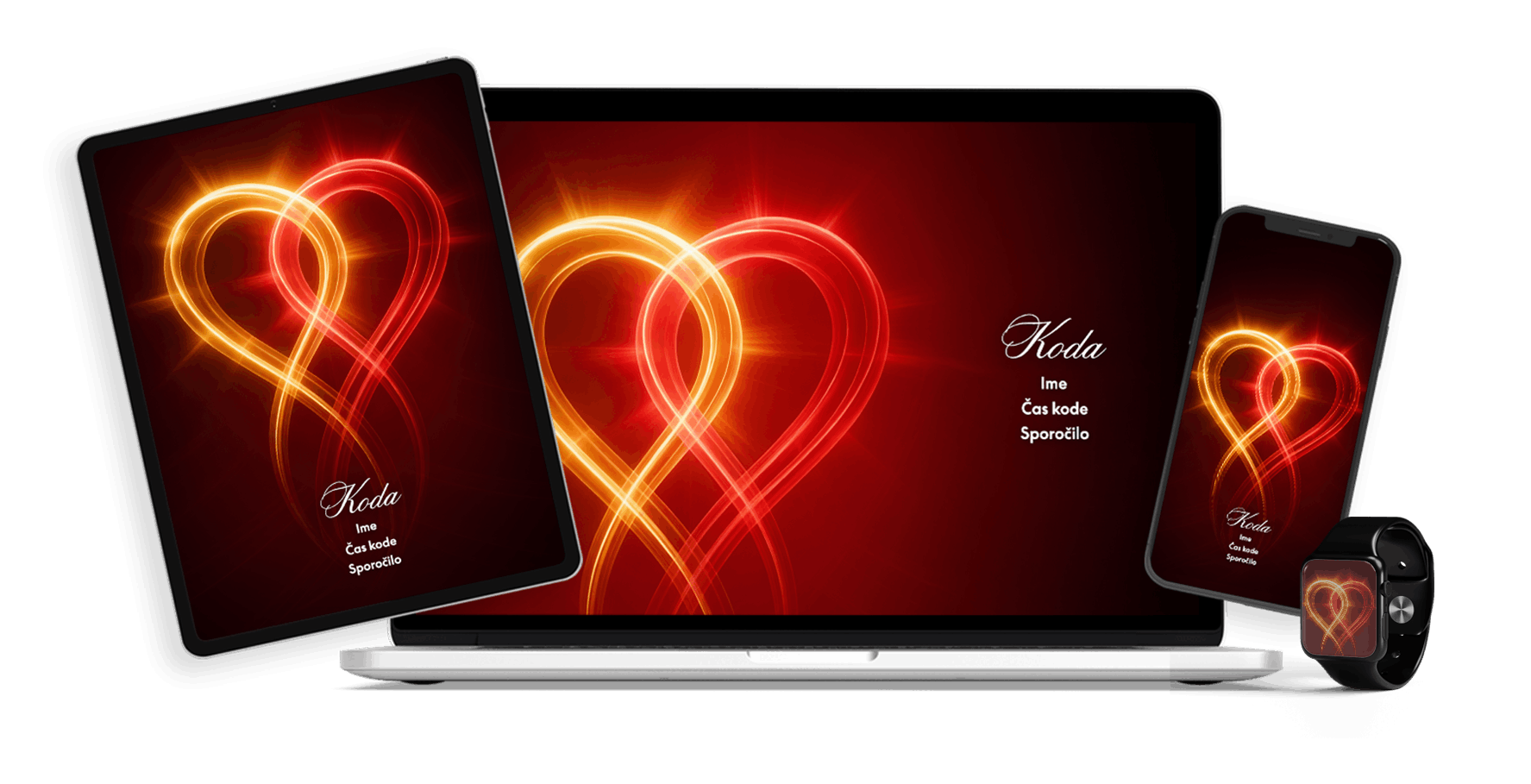
This code is now only allowed if you know the person!!!
9.11. New Moon on 11/11
11/10. ACTIVATION of the SOULMATE OF DESTINY code
ACCESS to the ACTIVATION of the SOULMATE OF DESTINY code upgrade will only be available in the LAST HINT of the code.
If the first Soulmate code is not activated, the continuation of the Soulmate of Destiny story cannot be activated.
They say that great happiness comes when it knocks on our doors for the third time.
A chance to find a soulmate.
Why shouldn’t you believe that things can really work out for you right now in YOUR STORY?
The frequencies in this code are EXCEPTIONAL.
You only save the code on your phone 📱 (where the DVOJINA is the strongest):
📱Home wallpaper for your phone;
🔒📱 Locked phone screen;
📇 Phonebook:
📱1. option: in the phone book of the person where you are looking for happiness, you enter it as adding that person’s phone number with the CODE in numbers, where next to the name you write SOULMATE, you add the picture of the code after the photo of that person;
📱2. option: in the phone book – save the code as a picture of the person, so that you can see the name of the person and the message in the code; you save it without adding or deleting anything, because the code will be associated with that person;
🖼️📱picture gallery (open SOULMATE folder);
➕📱 icon on the background of your phone.
📱KAM SHRANIŠ POSVETILO – NAPOVED DOGAJANJA; 2 opciji:
Open the MAP named SOULMATE.
In the same folder as the SOULMATE code, if this is where your code will be stored.
⌚ Smartwatch


